Thermometer
The thermometer is a waterproof probe that has all of its wires protected by a plastic coating. The probe itself is a metal thermometer that is currently sitting on the bottom of my tank. I found the probe on Amazon.
Here is the probe in my system.

Wiring
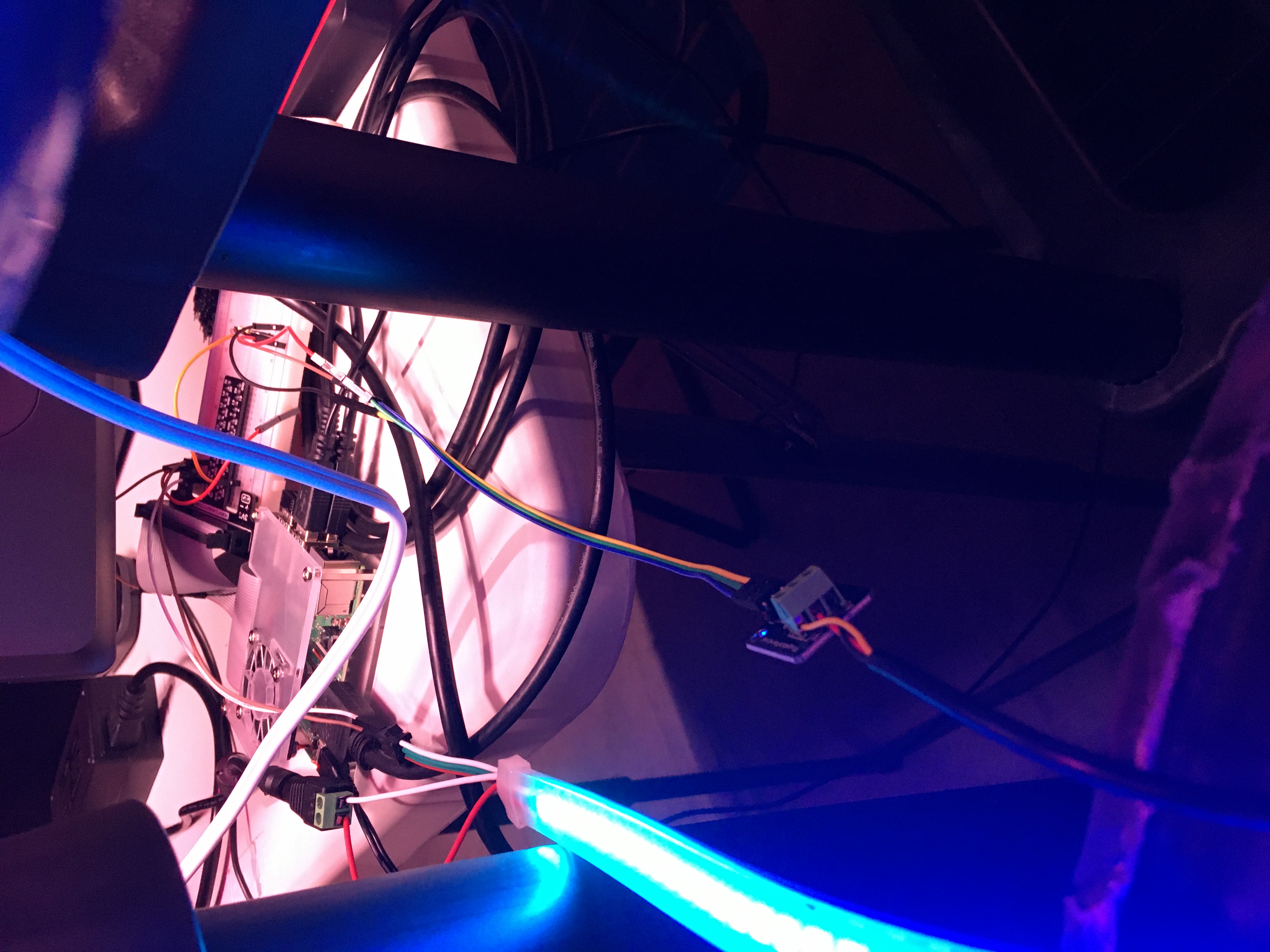
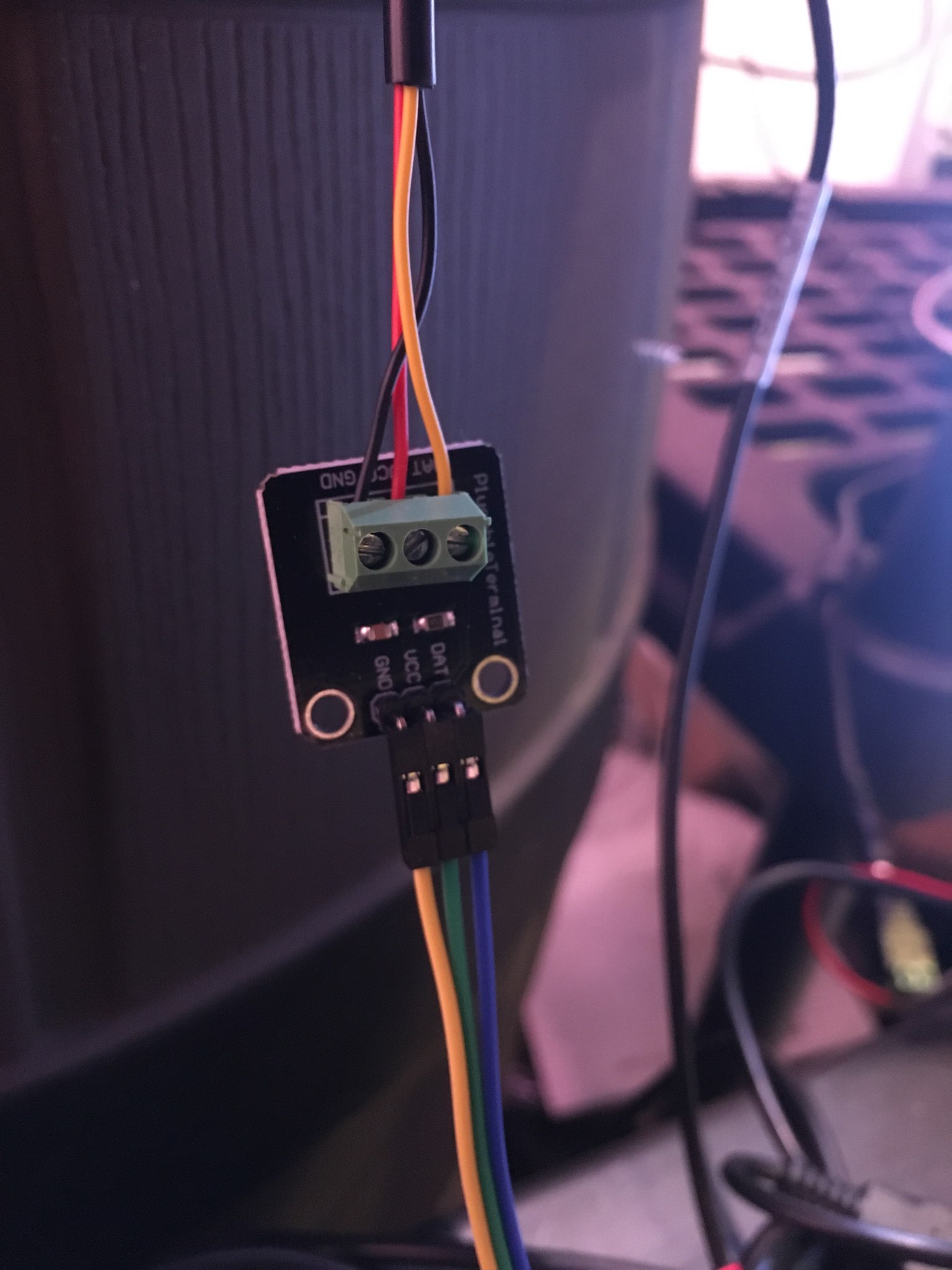
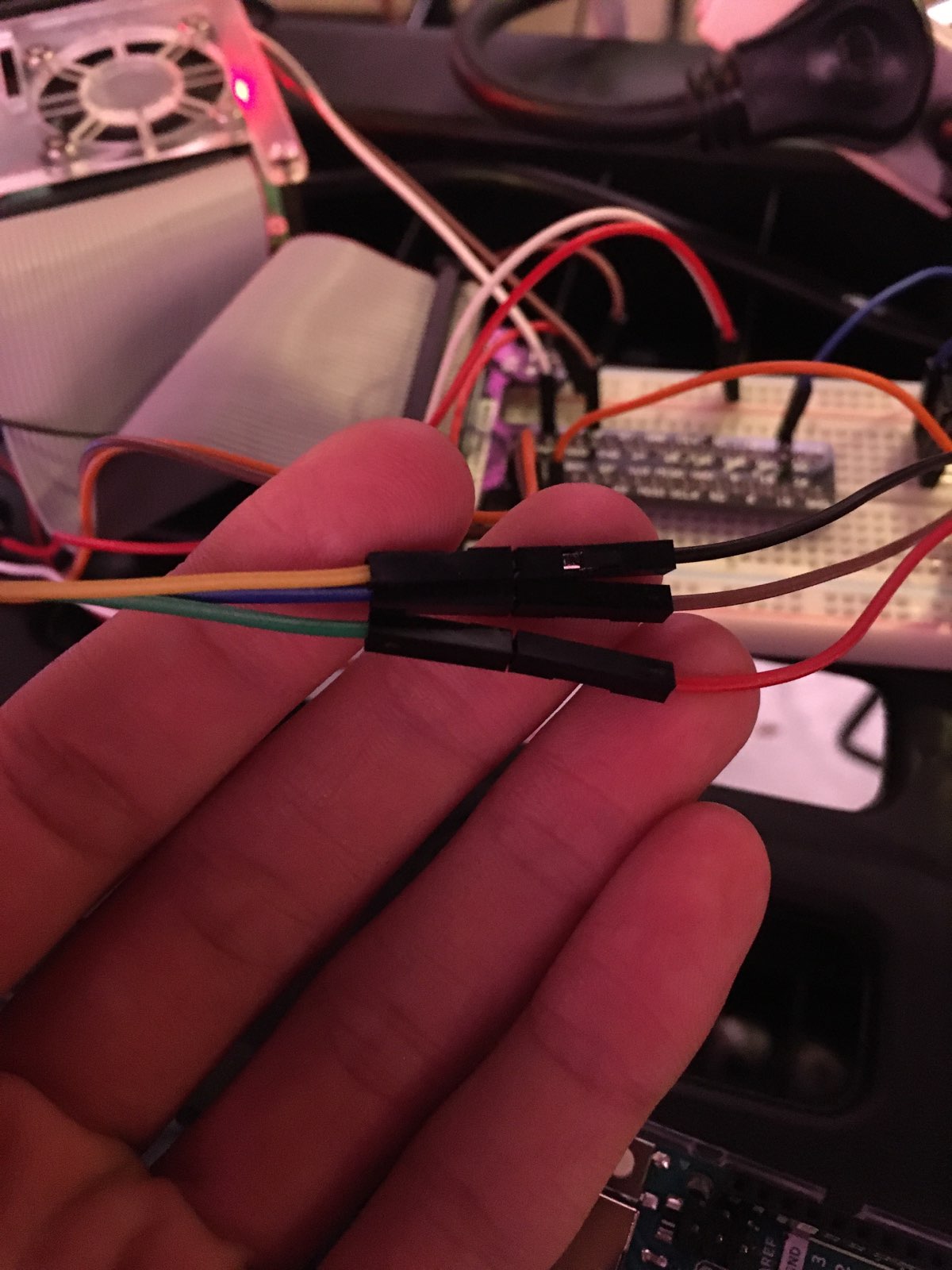
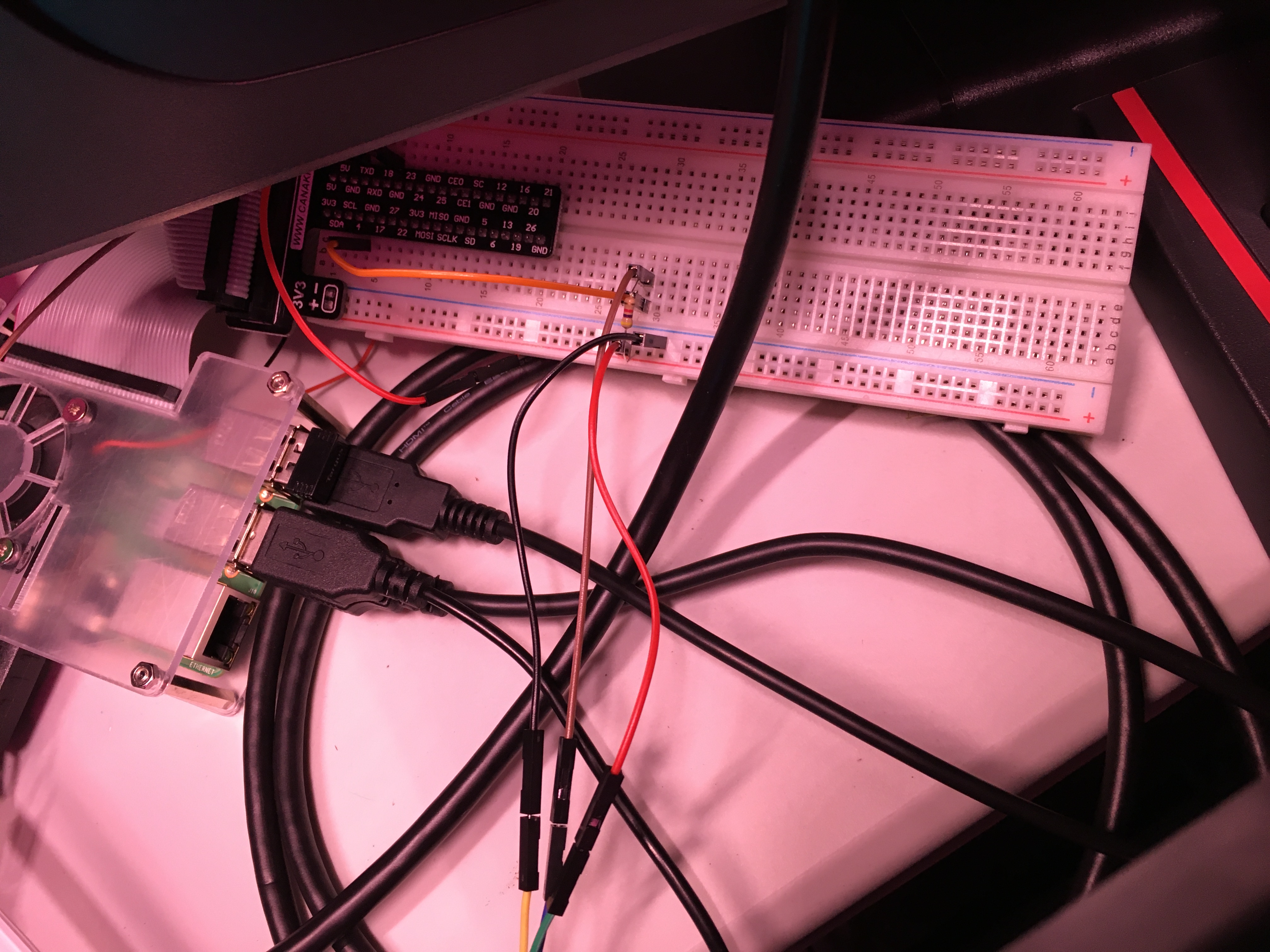
The wiring for the temperature probe is easy if you have a breadboard. The pictures go place by place where the probe wires go into the module, the module connects to jumper wires, and the jumper wires connect to the breadboard.
Code
This code is a lot more pretty, but also a lot more complicated. I made this with Python:
import glob
import time
import datetime
import sys

from time import localtime, strftime
The imports are importing several modules, like glob, time, datetime, sys, and localtime and strftime from time. This makes the code and the system know what how to run some of my code. If I didn’t have the imports, the system wouldn’t know what some of the variables meant and the system would not run the code.
base_dir = '/sys/bus/w1/devices/'
device_folder = glob.glob(base_dir + '28*')[0]
device_file = device_folder + 'w1_slave'

currentDT = datetime.datetime.now
This is about setting up variables, specifically the base_dir variable, the device_folder variable, device_file variable, and the currentDT variable. The base_dir is saying whenever there is base_dir in the code, to pull data from the /sys/bus/w1/devices/ folder.
def read_temp_raw():
    f = open(device_file, 'r')
    lines = f.readlines()
    f.close()
    return lines

def read_temp():
    lines = read_temp_raw()
    while lines[0].strip()[-3:] != 'YES':
        time.sleep(0.2)
        lines = read_temp_raw()
    equals_pos = lines[1].find('t=')
    if equals_pos != -1:
        temp_string = lines[1][equals_pos+2:]
        temp_c = float(temp_string) / 1000.0
        temp_f = temp_c * 9.0 / 5.0 + 32.0
        datetime_string = datetime.datetime.now().isoformat()
        ts = time.localtime()
        return temp_f
These are my functions that the majority of my code will be using. The temp_raw function is “r”eading the raw data output that the temp function will then convert into Celsius and then Fahrenheit. The “return temp_f” could have “return temp_c, temp_f” which would return the temperature in Celsius and Fahrenheit. After that, you can have the system read the time at which the reading was taken. I haven’t done that yet because my website can only read one data value, not the two or three that would be put out by the return function.
while True:
    sys.stdout = open("/var/www/html/temp.txt", "a")
    print(read_temp()) # strftime("%H:%M", localtime()))
    sys.stdout.close()
This is the main loop of the code. It says that if everything is true, which it always is unless I stop the code, the system will open the temp.txt file that is located in the /var/www/html/ folder stream. It then “a”dds to the file. The other letters that could go there are “w” and “r”. The “w” causes the file to be “w”ritten over, so that only one line of data is there. The “r” causes the file to be “r”ead by the function, which doesn’t help in this case because I want the data to be added to a file. The system then prints the read_temp() function. The “()” at the end of something means it is a function. The “#” means that everything in the same line that is after that is “commented out” so the code won’t read it. This is useful if you need to change something but don’t want to delete it because you may need it later. The “# strftime(“%H:%M”, localtime())” is if I wanted the print function to print the time the reading was taken, which would break my file but I will want it later once I figure everything out. The sys.stdout.close() function causes the file to be closed and saved, which is how my website is able to read the data.
Fishy Updates
No fish have died since my last post. Hopefully no more will die! (Knock on wood.) Tank is getting pretty big actually, and I am able to feed him little insects like grasshoppers. He seems to enjoy them because he just gobbles them up. The other fish have learned to also eat the little bugs that I throw in the tank because they sometimes will eat the bugs if they get to them first. Here is a video that you can click on for that:
Up Next
The next post will be about the pH probe that I very slowly installed into my aquaponics system.